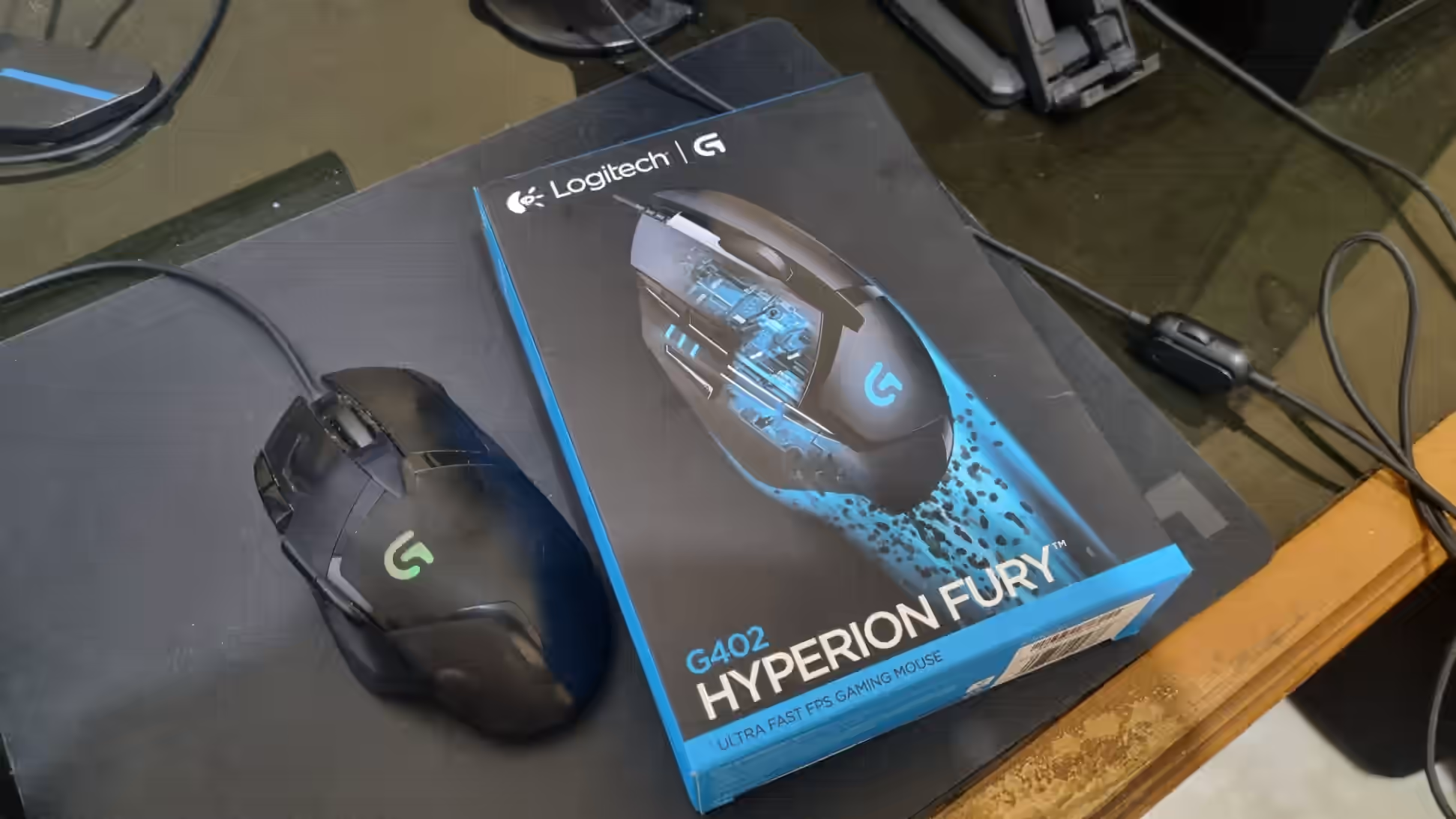
When people talk about gaming mice, the conversation usually starts with the newest sensor, shape, or model. I wanted to take a different approach. This isn’t a review after a day or two of use. I’ve owned the Logitech G402 Hyperion Fury since around 2019 or 2020. I don’t remember the exact year, but I’ve used it long enough to form a more meaningful opinion.
That long-term use is the point. A mouse can feel great when it’s new. What matters to me is how comfortable it remains after years, how the controls hold up, and whether the problems that appear over time become irritating. That’s how I’m judging the G402 here.
I’ve used it with my main PC for a mix of games and everyday tasks. FPS games are probably the genre I play most often, but my usage varies. During gaming sessions it’s intense; outside them, I use it for ordinary browsing and work. This mouse has been part of my daily setup, not just an occasional peripheral.
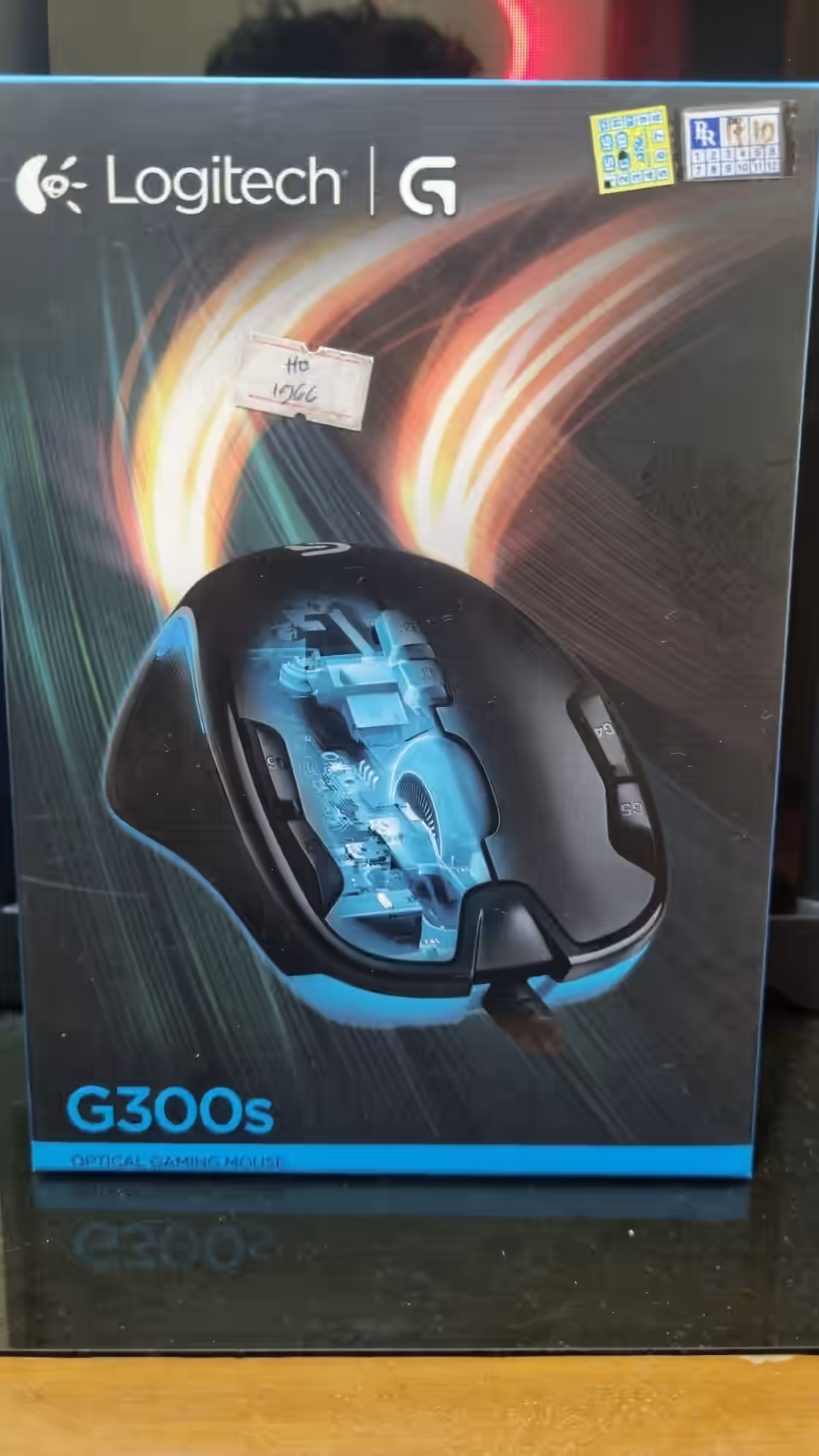
Before the G402, I used a Logitech G300s. I saw the G402 as an upgrade rather than a random choice. I had already found Logitech products fairly durable and that shaped my expectations. I can’t recall every alternative I compared back then, though I likely did some research before buying.
Video review
Want to see the mouse and hear my assessment instead of reading? Watch the video below or open it on Nosphire.
My setup and how I use the G402
Hand size and grip matter in any mouse review. I’d describe my hands as medium-sized. I use a mixed grip, mostly palm grip, with occasional claw grip during more demanding games. That context is important because the same mouse can feel very different to someone with smaller hands or another grip style.
At first I needed a little time to adjust to the G402’s shape. That’s normal when switching from another mouse. Once I got used to it, though, it felt natural. Even after years, the design doesn’t make my hand ache. Some mice look stylish but become tiring during long sessions. In my experience, the G402 has remained comfortable, which is one of my biggest reasons for liking it.
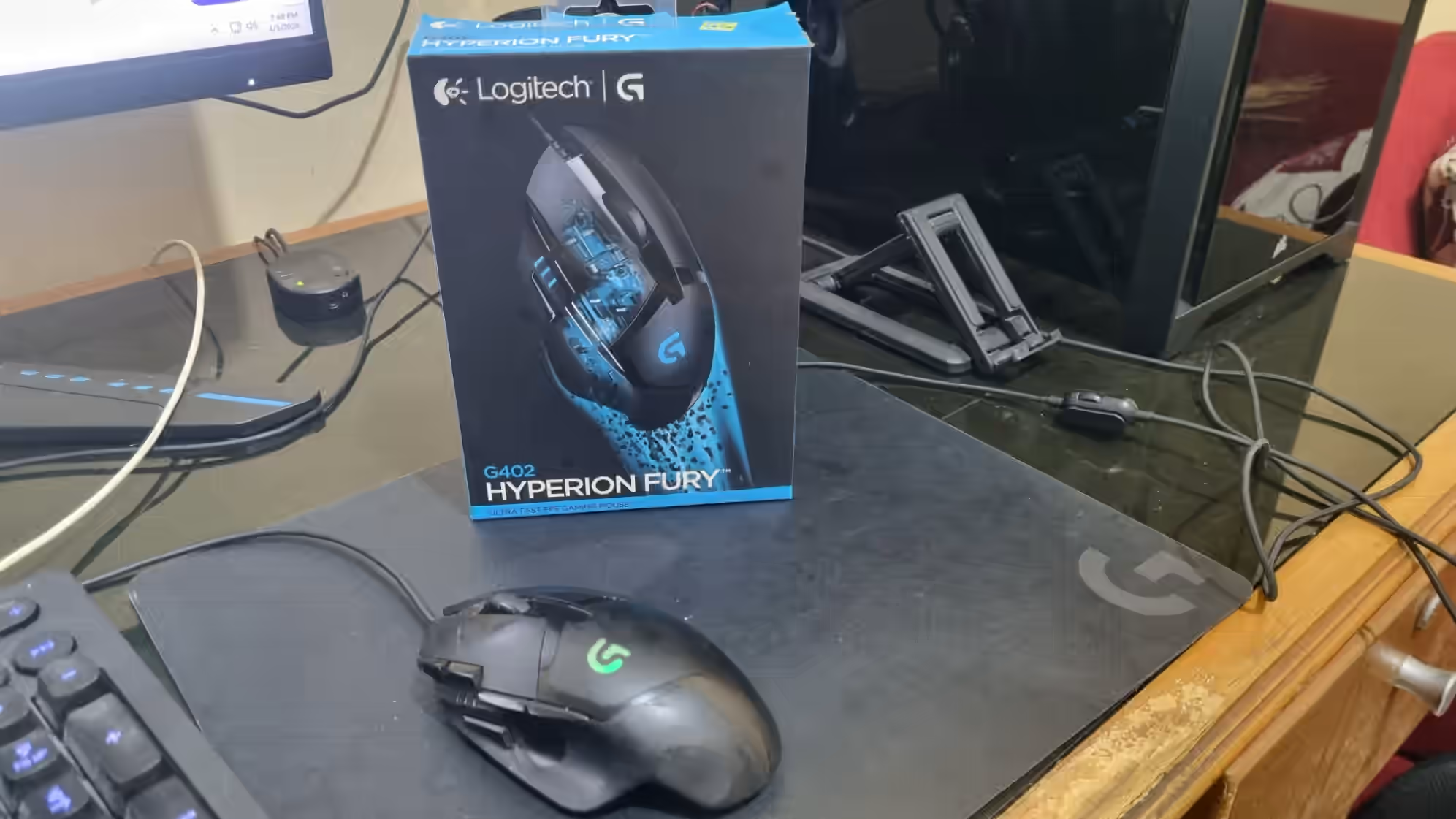
I initially used a basic, inexpensive mousepad. It was only around late 2024 or 2025, as far as I remember, that I switched to a dedicated Logitech mousepad. I wouldn’t claim that this transformed the G402, but the surface obviously affects how a mouse slides and how much control it gives.
Everyday use and gaming
If I had to summarize how the Logitech G402 feels, I’d say it’s comfortable to hold and easy to move, even for long periods. That might sound like a small compliment, but it’s something I value. Some mice have interesting specifications and still feel unnatural to move. The G402 doesn’t feel stiff or tiring in my hand.
In gaming, especially FPS, I find its tracking accurate. The left and right clicks feel good, and the scroll wheel hasn’t caused meaningful trouble. The essential controls work as I expect them to, whether I’m playing or using the desktop.
The weight also feels right to me. It isn’t so heavy that movement becomes tiring or so light that I lose my sense of control. That’s subjective, of course. In my case, the mix of weight, shape, and movement is a good fit.
There is one ergonomic issue that stands out: the side DPI-shift button. It’s supposed to make temporary sensitivity changes convenient, such as lowering DPI while sniping in an FPS. But I find the button hard to reach with my thumb. The feature sounds useful on paper, yet I rarely use it because its position doesn’t suit my hand.
That’s the contradiction in my experience. I find the mouse ergonomic overall, but one particular button sits in an awkward spot for me.
What the Logitech G402 does well
1. Comfortable over long sessions
If I had to name its biggest advantage, the answer would be comfort. My hand doesn’t get tired quickly, even after years of use. I care more about that than a flashy appearance or a gimmick because a mouse is something I hold for hours.
2. A shape that fits my hand
The G402 has a distinctive ergonomic shape. It doesn’t merely avoid discomfort; it feels like a natural extension of how I move my hand. I like its design, and I think that makes it suitable for many people.
3. Reliable sensor and tracking
I don’t have significant complaints about accuracy. The sensor and tracking have felt reliable in the games I play. No matter how much I like a mouse’s design, poor tracking would ruin the experience. Thankfully, the G402 has performed well in that fundamental area.
4. Satisfying clicks and scroll
The primary left and right buttons feel good, and the wheel has held up without noteworthy problems during my use.
5. Strong long-term value
I remember paying somewhere close to Rp500,000 when I bought it. At the time I wrote this review, I found listings in the Rp400,000–Rp500,000 range. Those are historical prices, not current offers. Given how long I used the mouse, I think it delivered excellent value.
Problems that emerged over time
Long-term testing matters because some problems don’t appear during the first few days or weeks.
1. Poor integration with Logitech G HUB
The most disappointing part of my G402 experience isn’t the sensor, design, or tracking. It’s how the mouse interacts with Logitech G HUB.
To be clear, G HUB does detect the mouse, but the detection and settings don’t always behave correctly. At Windows startup, I have sometimes felt that the default Windows sensitivity and G HUB configuration conflict. The mouse can initially feel unusually heavy or inconsistent.
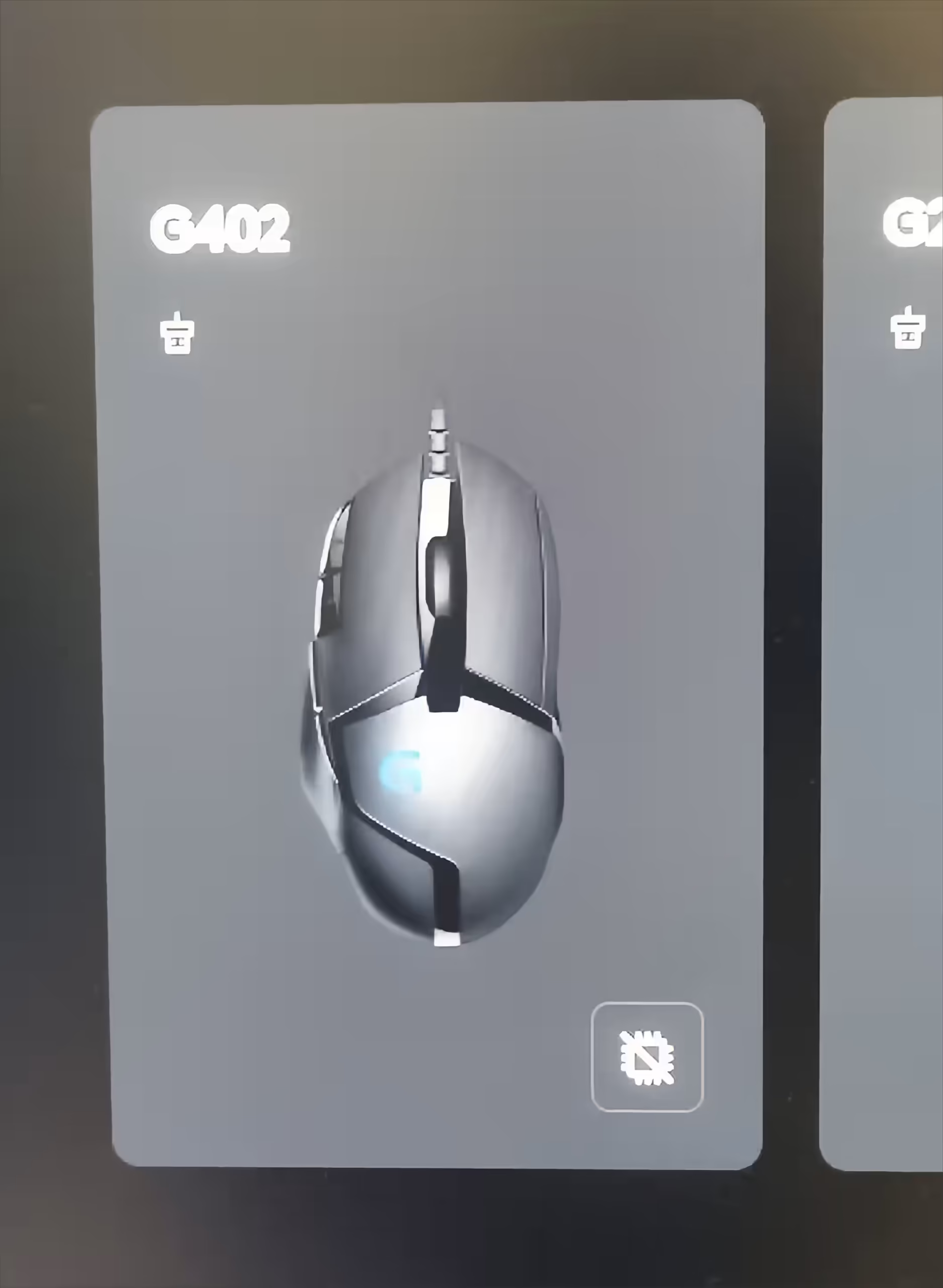
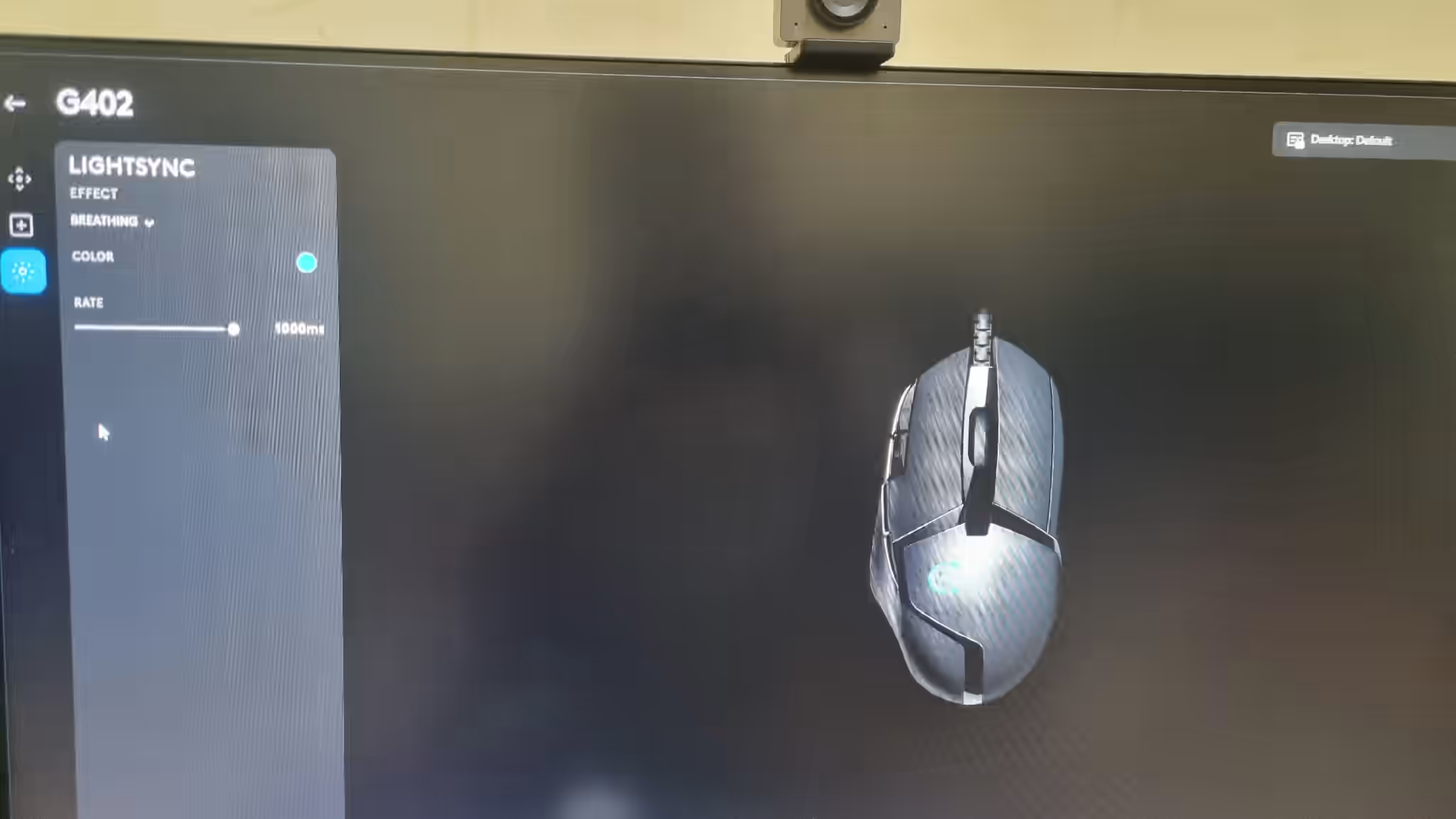
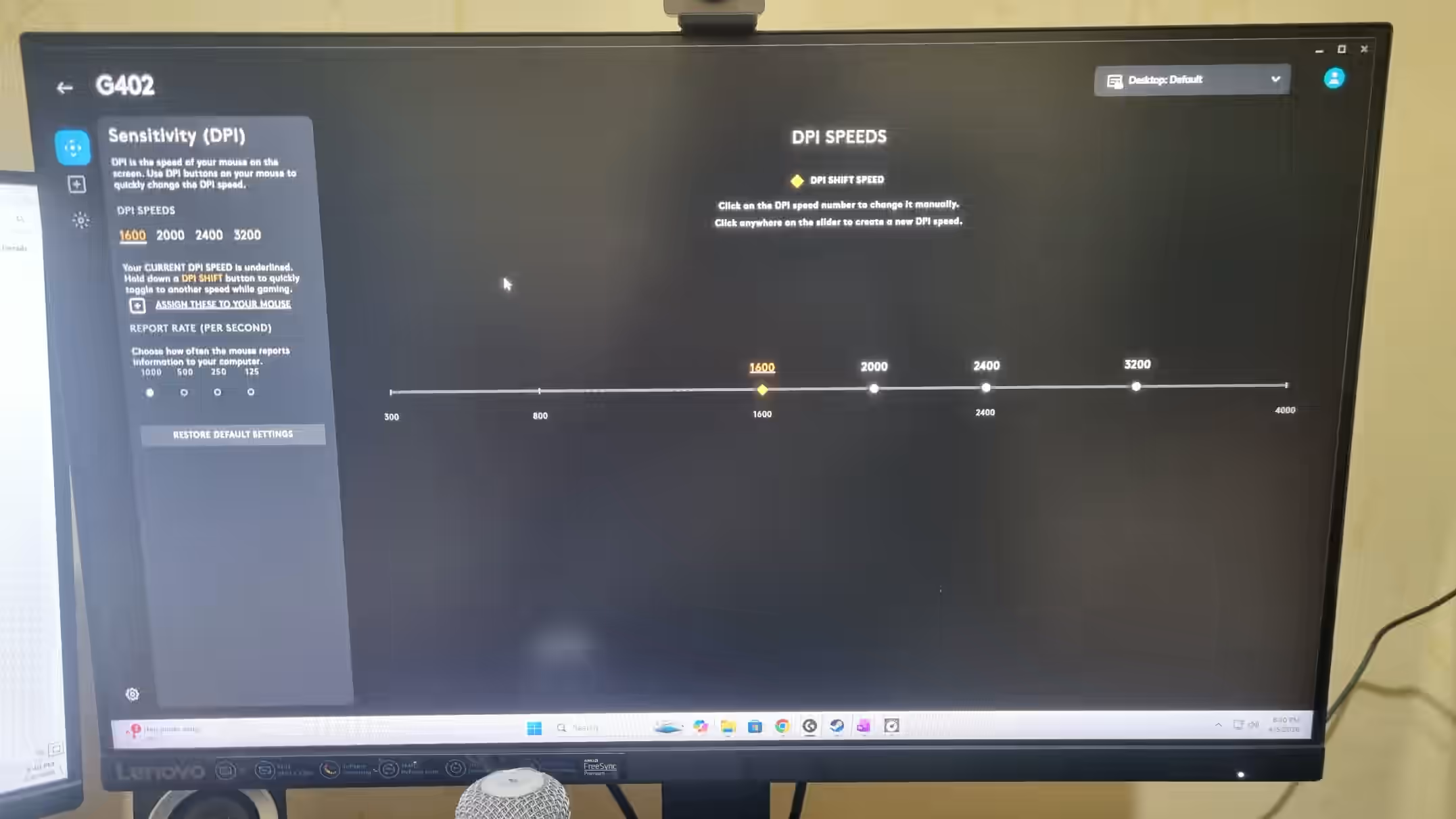
The status of On-board Memory Mode has also been unclear at times, making it difficult to know whether the mode is actually enabled. Game profiles and saved configurations in G HUB have given me trouble too. Software is the biggest weakness of my G402 experience.
That may sound minor to some people. To me, it’s frustrating when otherwise comfortable, reliable hardware becomes less pleasant simply because of its companion software.
2. The DPI-shift button is awkward to reach
As mentioned earlier, the DPI-shift button isn’t positioned naturally for my thumb. I rarely use it even in games where switching sensitivity quickly could help.
3. I barely use some extra buttons
I don’t make extensive use of the additional buttons, so they’re not a major reason I like the G402. Ironically, the two extra buttons on the upper-left side have now broken and can no longer be clicked.
Long-term durability: good, but not immune to wear
I still consider the G402 fairly durable, although years of use have clearly left their mark.
The rubber on both sides has peeled away. My thumb and little finger now touch the underlying plastic rather than the original rubber coating. The mouse still works, but it doesn’t feel as good as it once did.
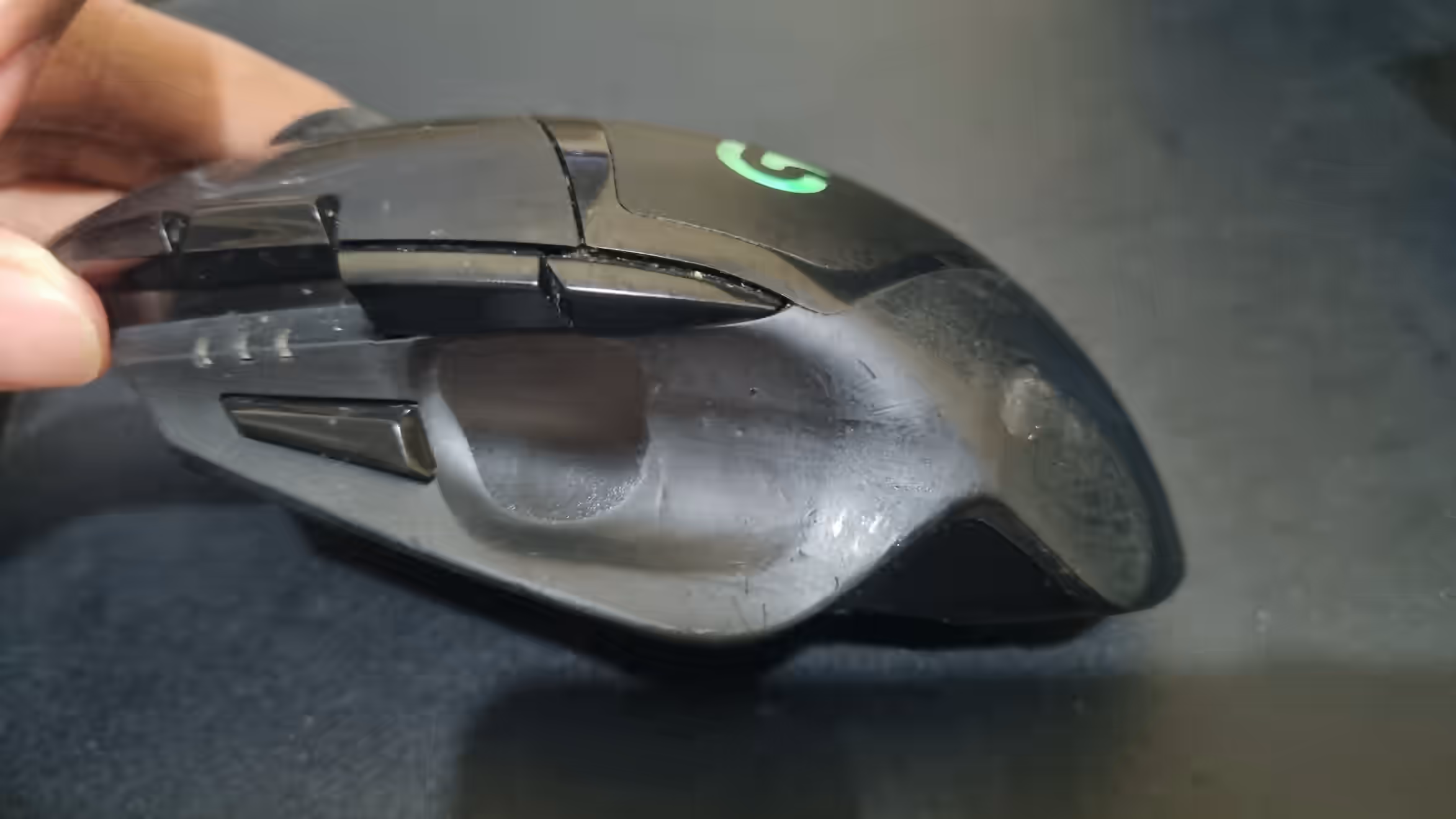
Some of the lights have also failed. The logo that was meant to glow blue now looks somewhat greenish and dim. I haven’t been able to customize the light color through G HUB; in my setup it only supported blue, with a blinking option. The lighting isn’t essential, but these changes are part of the long-term condition.
The two upper-left extra buttons no longer work, and the DPI-shift button sometimes works and sometimes doesn’t. I estimate these issues began appearing after around three to four years. The G402 lasted reasonably well for me, but wear and partial failures do accumulate.
Who should consider this mouse?
Based on my experience, the Logitech G402 Hyperion Fury can suit a broad range of users, not only dedicated FPS gamers. Its shape and comfort also make sense for:
- Players of different game genres,
- People who use their PC for everyday tasks,
- Office workers who multitask regularly.
The main strengths are ergonomic comfort and a natural feeling in use. Provided your hand isn’t particularly small, I’d find this mouse easy to recommend.
On the other hand, I wouldn’t recommend it quite as confidently to people with small hands. Its size and shape could make the grip uncomfortable and put some buttons further out of reach.
Logitech G402 Hyperion Fury
You may find a lower price with an additional Shopee app voucher or a discount from the official Logitech store. The source article includes a Shopee shopping link; prices and stock can change.
Conclusion: an older mouse I can still recommend
To me, the Logitech G402 Hyperion Fury is a mouse whose strength comes from lasting comfort rather than a brief wow factor. Its shape, grip, tracking, main clicks, scroll wheel, and movement have served me well for years. That’s why I still speak positively about it.
I can’t ignore the drawbacks. My biggest complaint is unreliable Logitech G HUB integration, which makes settings annoying. The DPI-shift button is difficult for me to reach, while years of use have left peeled rubber, dim lights, and broken extra buttons.
Would I still recommend the Logitech G402 Hyperion Fury? Yes, especially for gamers and people who spend hours multitasking at a PC. I would urge anyone with small hands to think twice.
At the time of writing, I was waiting for a Logitech G502 X to arrive. That doesn’t mean the G402 was bad. It had served me well for years, and I simply felt ready to try something different.
The fact that I can still speak favorably about a mouse after this many years is a meaningful endorsement. For official product information, see Logitech G’s gaming mouse catalog, which includes the G402. For another piece of Wordtura PC hardware guidance, see our comparison of 60Hz, 120Hz, and 144Hz gaming monitors.