
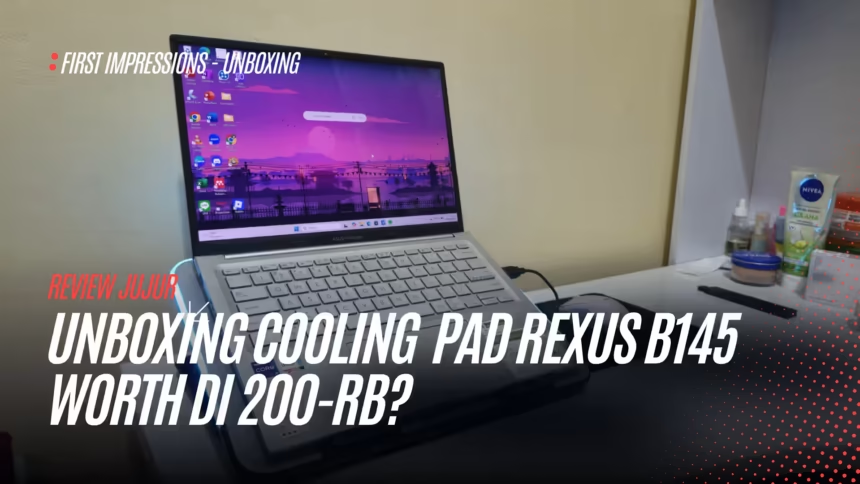
Buying a laptop cooling pad sounds simple, but it can be confusing when you haven’t used many of them before. That was my situation when I bought the Rexus Breeze B145. I wasn’t an expert comparing dozens of cooling pads; I was choosing a product in a category I barely knew.
That’s why this is an unboxing and first impression, not a long-term review pretending to have definitive answers. I’m focusing on what I could actually judge after opening and trying it: the build, design, basic functions, comfort, and the first problems that appeared.
I bought this cooling pad for my younger sibling, whose laptop tended to get hot. I wasn’t buying an accessory just to decorate a desk. There was a practical reason to try one.
Watch the video review
If you’d rather see the cooling pad, watch my Indonesian video below or open the review on Nosphire.
Why I chose the Rexus Breeze B145
I didn’t have in-depth knowledge of cooling pads, so this wasn’t the outcome of extensive technical comparisons. I was familiar with the Rexus name, and I understood it to be an Indonesian brand. That familiarity gave me enough confidence to try the B145.
I won’t claim I tested competing models and found this one to be the best. I picked it because of the need, a familiar name, and a reasonable first impression of the product listing.
I ordered it through the official Rexus shop on Shopee. As I remember, the regular price was in the Rp200,000 range, while I paid approximately Rp189,000 with a voucher. For a cooling pad I’d never tried before, that seemed reasonable. These are prices from my purchase, not current offers.
Rexus Breeze B145
Use the shopping link in the product section if you’re interested in the official Rexus Shopee listing. Check the live price and stock first; discount vouchers are not guaranteed.
First impressions when the package arrived
The first thing I noticed was how light the cooling pad felt. It was so light that I briefly worried the materials might feel cheap, especially because I’d bought it online without holding the unit first.
After opening it and looking more closely, though, it felt more lightweight and portable than flimsy. Those aren’t quite the same thing. At least during my initial inspection, the Breeze B145 seemed designed for practicality.
The underside felt like plastic, with other parts that seemed to be made from light metal. It didn’t have the weight of an expensive premium accessory, but I wasn’t immediately disappointed by the construction either. For the price I paid, that seemed acceptable.
One thing did make me hesitate: the packaging didn’t appear to be sealed. I didn’t know whether that was normal for the retailer or distributor. I’d heard some computer products could be opened during distribution, so I didn’t assume anything was wrong, but I noticed it.
What’s in the box
The package was fairly straightforward: the cooling pad, a cable, information material, and a warranty card that I remember mentioning around two years of coverage. It also included a phone holder, which was a pleasant extra.
The phone holder wasn’t why I bought it, but it made the box feel a little more complete for the price.
Unfortunately, the cable was the accessory I ended up thinking about most, for the wrong reason. I’ll explain why in a moment.
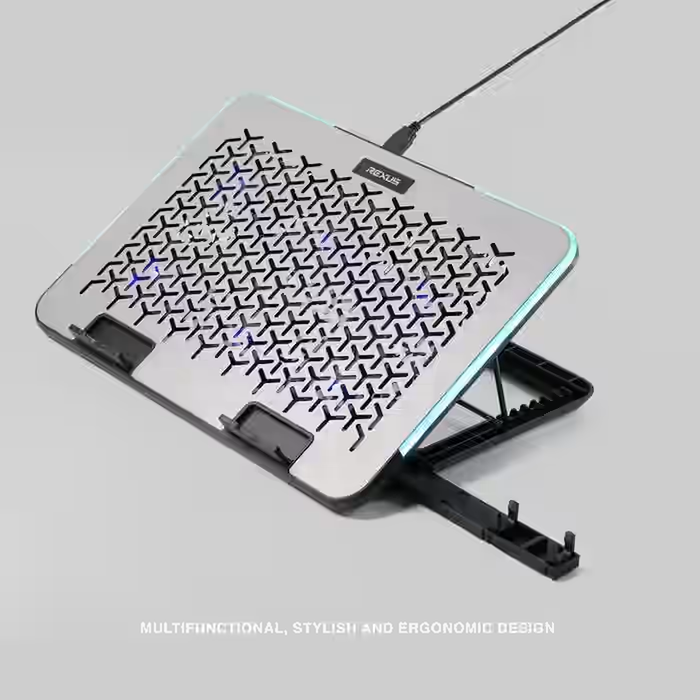
Size and design: a reasonable fit for a 14-inch laptop
The B145 was advertised as a 15.6-inch cooling pad, while my sibling’s laptop measured 14 inches. It was slightly larger than the laptop but not awkwardly so in my initial test.
I’d be more cautious about choosing an excessively oversized pad, such as a 17-inch model for a much smaller laptop. That’s my preference regarding physical fit rather than a controlled compatibility test.
I liked the height and tilt adjustment. The positions felt close to what I’d expected from the product photos, with lower and higher angles that gave some flexibility.
The styling also seemed modern and practical. For a product meant to be useful rather than luxurious, that was enough to make a decent first impression.
RGB lighting: included, but not why I bought it
The Breeze B145 has RGB lighting, although I wasn’t looking for it. I generally prefer less colorful lighting in my setup, not because RGB is inherently bad, but because a simpler appearance suits me.
It worked, and I can see why some people would like it. For me, though, RGB is a secondary feature, not the main selling point. At least it didn’t interfere with my first test.
Fans and initial operation
The main question about a cooling pad is whether the fans actually produce airflow.
In my initial test, they did. I could feel the air moving. The unit I examined had six fans, and I could see that they were operating.
Changing fan speed also made a noticeable difference. Lower settings seemed suitable for light office work, while higher settings made more sense to me for heavier tasks such as gaming. I hadn’t conducted a temperature benchmark.
Fan noise was another pleasant surprise. I didn’t find it particularly loud. The sound reminded me more of steady air-conditioning airflow than a distracting fan, at least in the conditions I tried.
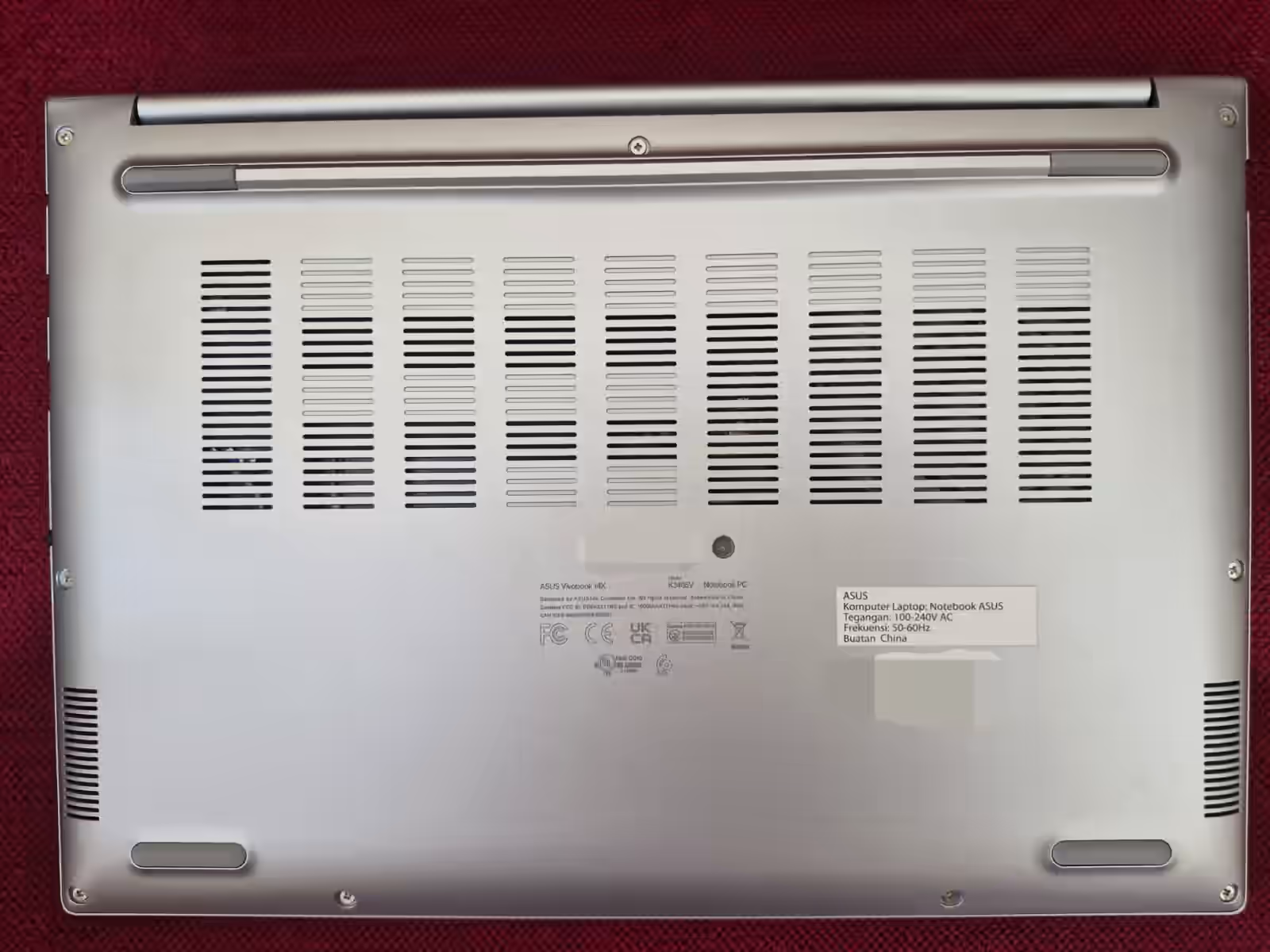
My sibling’s laptop has ventilation underneath, so this style of cooling pad also seemed appropriate for its layout. The basic fan function worked as expected during the first session.
What I cannot yet say about long-term cooling
There’s an important limit to this review: I have not established how much the B145 can reduce laptop temperatures during extended use.
I can confirm that the fans turned on, airflow was noticeable, and the basic function worked. I cannot claim a significant or lasting temperature reduction based on unboxing and a short trial alone.
Testing across about a month or through repeated workloads would be more useful. Until then, this should be read as a first impression, not a final performance verdict.
The main weakness: a cable that’s too short
The biggest practical problem was simple: the included cable was too short.
That was more than a minor annoyance. I had to connect the cooling pad directly to the laptop, which used one of its USB ports.
I’d rather have seen a more flexible solution, such as:
- A longer cable,
- Or more than one included cable option,
- Perhaps USB-A and USB-C connections,
- Or another design that gave the user more freedom.
As it stands, some users might prefer buying a separate cable. That undermines the convenience a cooling pad is supposed to provide.
If I had to warn someone about one aspect of the Breeze B145 before purchase, it would be the cable setup.
What impressed me in the first session
Despite the cable problem, the overall initial impression wasn’t negative. A few qualities stood out.
1. Light and portable
Weight was a major advantage. It seemed practical to carry in a bag alongside a laptop.
2. Sensible height and tilt
The available positions matched what I’d expected from the product photos.
3. Noticeable fan airflow
I could feel air moving and see the fans working.
4. Not especially noisy
During my short test, the fans didn’t produce a distracting level of noise.
5. Modern, functional appearance
The overall design looked appropriate for a cooling pad in this price range.
Who might find it useful?
Based on my first impression, the Rexus Breeze B145 could suit:
- Laptop owners looking for a straightforward cooling pad,
- People who want something light and portable,
- Anyone who dislikes particularly loud accessory fans,
- And buyers considering models in the Rp200,000 price range at the time of my purchase.
It may be less appealing if you’re sensitive to cable clutter or already short on available USB ports. That’s where I found its biggest practical weakness.
Conclusion: promising first impression, with a clear drawback
After unboxing and an initial trial, the Rexus Breeze B145 left a generally positive impression. It felt lightweight, looked decent, produced noticeable airflow, and wasn’t distracting to listen to.
The cable, however, was far too short for my preference, forcing a direct laptop connection and occupying a USB port. That reduced the flexibility of an otherwise practical accessory.
My early impression is that the B145 is functional, light, modern, and promising, but held back by its cable. The official Rexus Breeze B145 product page lists the cooling pad’s specifications and features.
I’d need longer testing before commenting confidently on actual sustained laptop cooling. For more laptop care advice, read Wordtura’s laptop charging guide. You can also watch my original hands-on video.